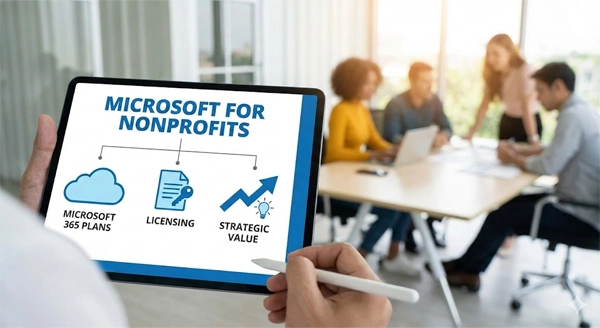
Microsoft for Nonprofits Explained: Microsoft 365 Plans, Licensing & Strategic Value
Jump To Key Section
- What “Microsoft for Nonprofits” Means and Who Qualifies
- Overview of Microsoft 365 Nonprofit Plans & Pricing
- Financial Benefits & Cost Savings for Nonprofits
- Key Features and Services Included in the Plans
- Risks and Compliance Considerations in Licensing
- How to Choose the Right Plan for Your Organization
- Future Trends & What Nonprofits Should Watch in Microsoft Licensing
- Conclusion
- FAQs
“Most NGOs and other charity organizations don’t know that they can use the same tools that top companies are using – often at zero to 70% lower cost”. ‘Microsoft for Nonprofits’ has made this possible, but only if you know how the new rules work.
This is what anhr advice for charities when they require staff, volunteers and partners without having a corporate budget.
Microsoft for Nonprofits was designed to be this lifeline: providing nonprofits access to enterprise productivity, collaboration and security tools – either at no cost or at steep discounts.
In this article, you will clearly get the qualifications, provisions, what’s changing – and how to make smart choices.
What “Microsoft for Nonprofits” Means and Who Qualifies
“Microsoft for Nonprofits” isn’t just a marketing slogan – it’s a special offering by Microsoft to organizations that either have a legal nonprofit status or operate for social goods.
To qualify – apply through Microsoft’s registration portal: either an employee or a strategic volunteer must register – third-party consultants cannot. (Source – Microsoft)
Once accepted, licenses (free or discounted) will be provided based on the roles.
Understand it as a concert ticket – performers get the free one while the other support staff pays a reduced amount.
Overview of Microsoft 365 Nonprofit Plans & Pricing
Microsoft provides a mix of free seats and discounted paid licensing.
The core free option is Microsoft 365 Business Basic, which provides upto 300 free seats with mobile office apps, email hosting, Teams and OneDrive – ideal for communication.
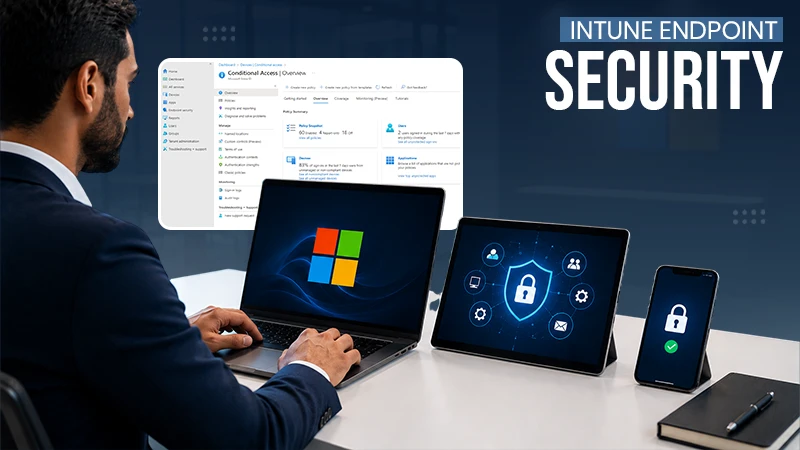
For advanced needs, nonprofits can purchase discounted Business Premium or enterprise plans (E3/E5). These include full desktop office apps, device management, advanced security, compliance features and enterprise grade controls.
Organizations can also combine both to keep the cost low while taking more advantage.
Financial Benefits & Cost Savings for Nonprofits
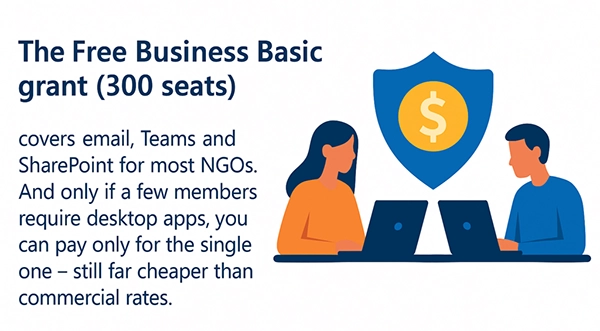
The Free Business Basic grant (300 seats) covers email, Teams and SharePoint for most NGOs. And only if a few members require desktop apps, you can pay only for the single one – still far cheaper than commercial rates. (Source – Microsoft)
These nonprofit plans work like a “pro toolkit at a budget price – less spending, reduced manual work and more impact”.
Additionally, nonprofits also get discounts on tools like Power Automate, which can cut repetitive work by up to 50%.
Key Features and Services Included in the Plans
The Business Basic grant provides the essentials to the nonprofits – email, Teams, cloud storage and web/mobile Office apps. It runs on any advice.
If you need more muscle, Business Premium or E3 adds full desktop apps, stronger security and device control. Additionally, it has AI features like Microsoft 365 Copilot (AI adoption in nonprofits boosts staff productivity by 44% on average).
For building your own tools, the Power Platform is here. It lets you automate tasks and make simple apps without hiring developers – saving both time and budget.
Risks and Compliance Considerations in Licensing
Ignoring risks can shutdown apps and services overnight.
Industry Insights
75% of the non profits have experienced increased cyber threats in the last 12 months. (Source – Varonis)
The license should be used by the nonprofit teams only – misuse can trigger audits, suspension and lost benefits. And powerful tools need to be set up by an IT team –a poor setup can lead to data leaks and compliance issues.
Lastly, the internet should be good – otherwise, heavy cloud resilience can slow down everything.
How to Choose the Right Plan for Your Organization
Choosing a plan is like packing for a trip – it depends on the weather (requirements).
If you only need email and collaboration, Business Basic (free) is enough. If you need desktop apps and offline work, get a few Business Premium/E3 seats for potential staff.
For sensitive data, go E3-level for stronger security and compliance.
The smartest move: mix and match – free seats for most and paid ones for the essential.
Future Trends & What Nonprofits Should Watch in Microsoft Licensing
Microsoft trends will shift more to cloud, security and paid add-ons in the future. AI tools like Microsoft 365 Copilot will reshape writing, reporting and everyday tasks.
Nonprofits will rely more on low-code tools to replace CRM systems. But all these advancements ask for better digital hygiene – without governance, any tool can end in costly results.
Conclusion
‘Microsoft for Nonprofits’ provides a powerful and affordable digital foundation to organizations – from collaboration and security to automation and AI. The key is to choose with purpose: use free Business Basic where possible and Premium or E3 only in required for advanced tools.
When used wisely, it becomes a secure and efficient backbone for your entire mission – enterprise level capability without overspending.
FAQs
Ans: Business Basic will be most suitable, as it is available at no cost for eligible organizations.
Ans: Yes, one of the most suitable AI tools available is Microsoft 365 Copilot.
Ans: Eligible nonprofits can receive up to 300 free seats under the Microsoft free plan.