Shape Your Brand Identity with X-Design’s AI Logo Generator
Earlier, having a brand with a proper identity was a big thing. You either need to invest a lot in professional designers or have to settle for vague logo templates that were never right for a unique brand image. And for many of the owners and creators, nothing used to work.
Now, AI has changed the scene with AI-powered design tools. The X-design logo generator allows users to convert ideas, emotions and modern prompts into logos.
Read this article that shares how you can also shape your brand identity with X-design’s AI logo generator and make a unique image of your brand.
What is X-Design’s AI Logo Generator?
X-Design’s AI Logo Generator is a prompt-based design tool that creates original logos from input text or a quick sketch by a user. The AI is not limited to pre-designed templates; rather you describe what you want—the emotion, the colors, the symbols—and the AI makes designs that match your idea.
The tool removes the difficulty of starting a brand identity from scratch.
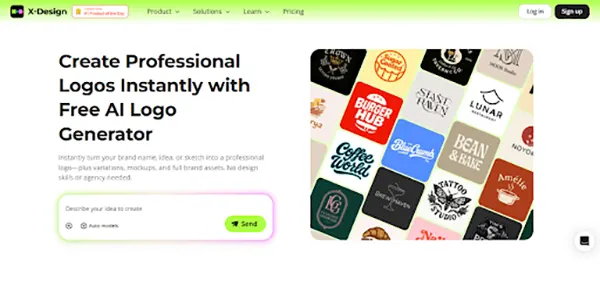
The system understands business context, design principles, and visual communication. When you say “modern tech startup logo with geometric shapes in blue gradients,” it not only takes the elements literally but also the level of complexity, the expectations of the target audience, and the industry norms that make the tech branding effective.
Such a method is suitable for business owners who know what they want but do not have the necessary technical skills to accomplish it. You are in charge of the creative side through your explanations while the AI does the execution, proportion, and giving it a professional look.
INTERESTING FACT
Research has shown that around 75% of consumers identify a brand just by its logo alone – making it one of the crucial things for a brand’s identity.
How the X-Design AI Logo Generator Works
The AI Logo Generator follows a structured process that blends user input with trained design intelligence. Its workflow is made up of the following major stages:
Step 1: Input Your Brand Vision Through Prompts
Start by describing your business and logo preferences using text prompts. You need to specify:
- Mood (clean, retro, luxury, playful, futuristic)
- Shape preferences (symbol-only, monogram, shield, geometric icon)
- Font characteristics (rounded, serif, condensed, strong sans-serif)
- Direction of the colour (earth tones, monochrome, bright accents)
- Associated indusrty (eco, tech, fashion, marketplace, wellness)
You can add every little detail that comes in your mind. The AI will accept every input. This gives the system the information required to craft visuals that reflect your branding personality.
Here’s an example of an effective prompt:
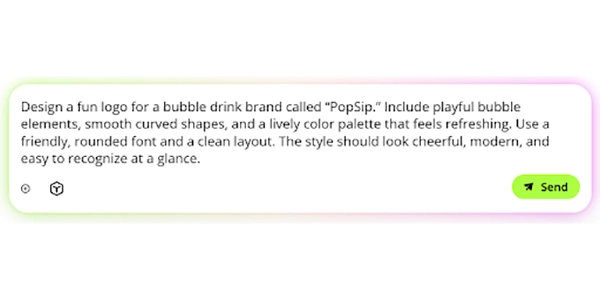
Note: Precise prompts produce clearer concepts. More exploratory prompts produce creative variations.
Step 2: AI Generates Multiple Logo Concepts
After processing the prompt, the system generates several unique logo ideas. These aren’t minor tweaks of the same design—each represents a different creative interpretation of your vision.
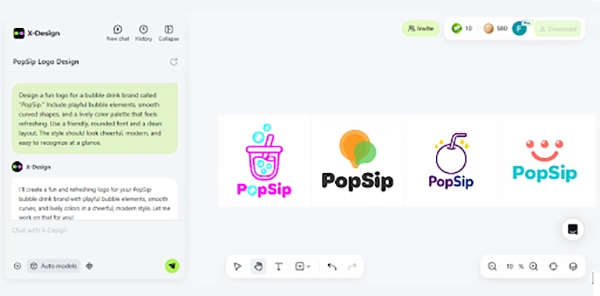
These variations differ in layout, icon structure, font pairing, and spacing. Unlike template-based tools, the visual output is shaped by your specific instructions rather than a preset structure.
This stage lets you evaluate:
- Whether the mood matches your intention
- How the typography aligns with the brand tone
- How symbols convey industry relevance
- Which direction could expand into a full brand identity
The generator produces enough variety to support both quick decisions and deeper exploration.
Besides, at this stage you also get BONUS Automatic Mockup Generations. For each of the logo concepts, X-Design automatically creates free mockups showing how the design looks in real-world applications. These mockups include:
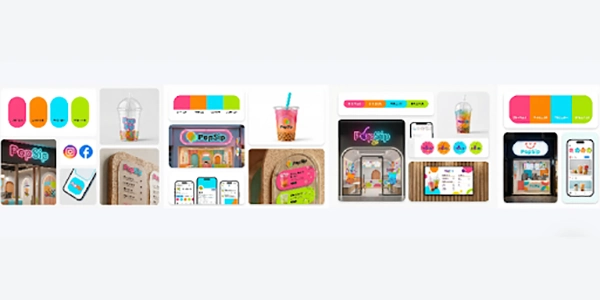
- Business cards and stationery
- Product packaging
- Storefront signage
- Social media profiles
- Website headers
- Merchandise such as t-shirts and mugs
These mockups help you think about how each logo can be used in various contexts before you decide. You quickly learn which logos will be more liked on digital platforms, which are simply appealing and are recognized even by their small sizes.
Step 3: Select & Customize Your Preferred Design
Review the generated concepts along with their mockups. When you identify a direction you like, select that logo to move forward with customization.
Use conversational language to request adjustments to your selected logo, here’s an example:
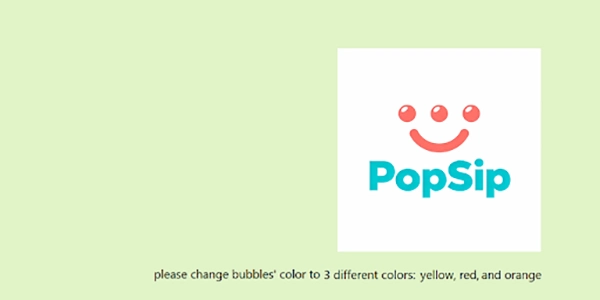
Within a second, you will get your desired changes:
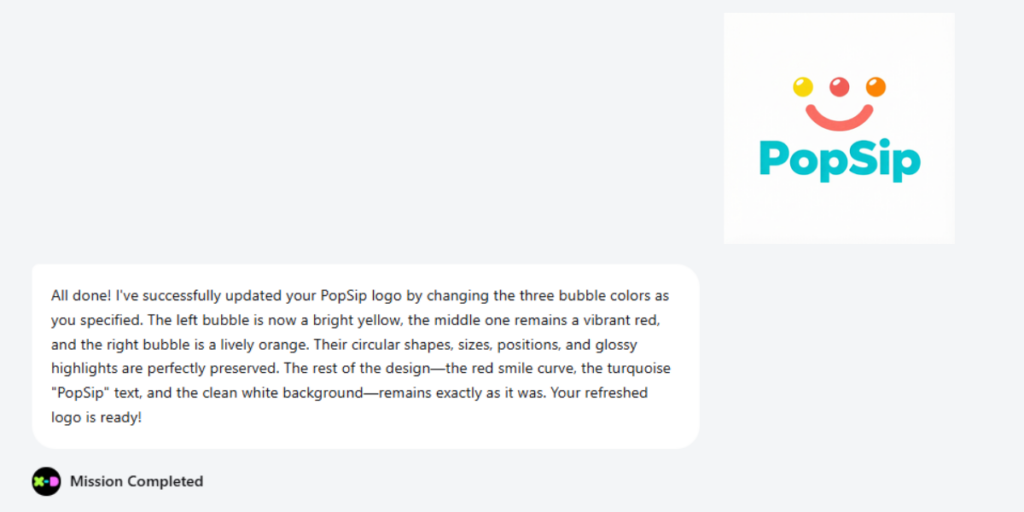
The AI processes each refinement request and generates updated versions incorporating your feedback. This iterative process continues until the design matches your vision precisely.
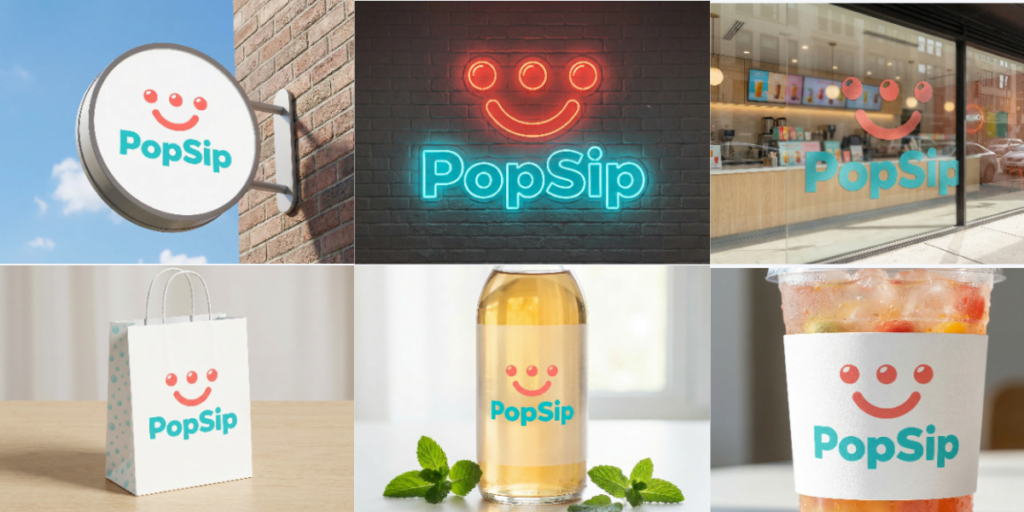
Step 4: Generate Brand Extensions and Store Visuals
After you finalize a logo, you can use X-Design to create:
- A brand kit (logo versions, colors, typography suggestions)
- Brand extension application images such as business cards, packaging concepts, labels, and storefront signs
- Store decoration visuals, these may include ideas for mural illustrations, signs, window display designing, and the brand of the interior.
Such visuals give you a look through the logo’s usage in real scenarios, be it online or offline.
Step 5: Download Your Logo
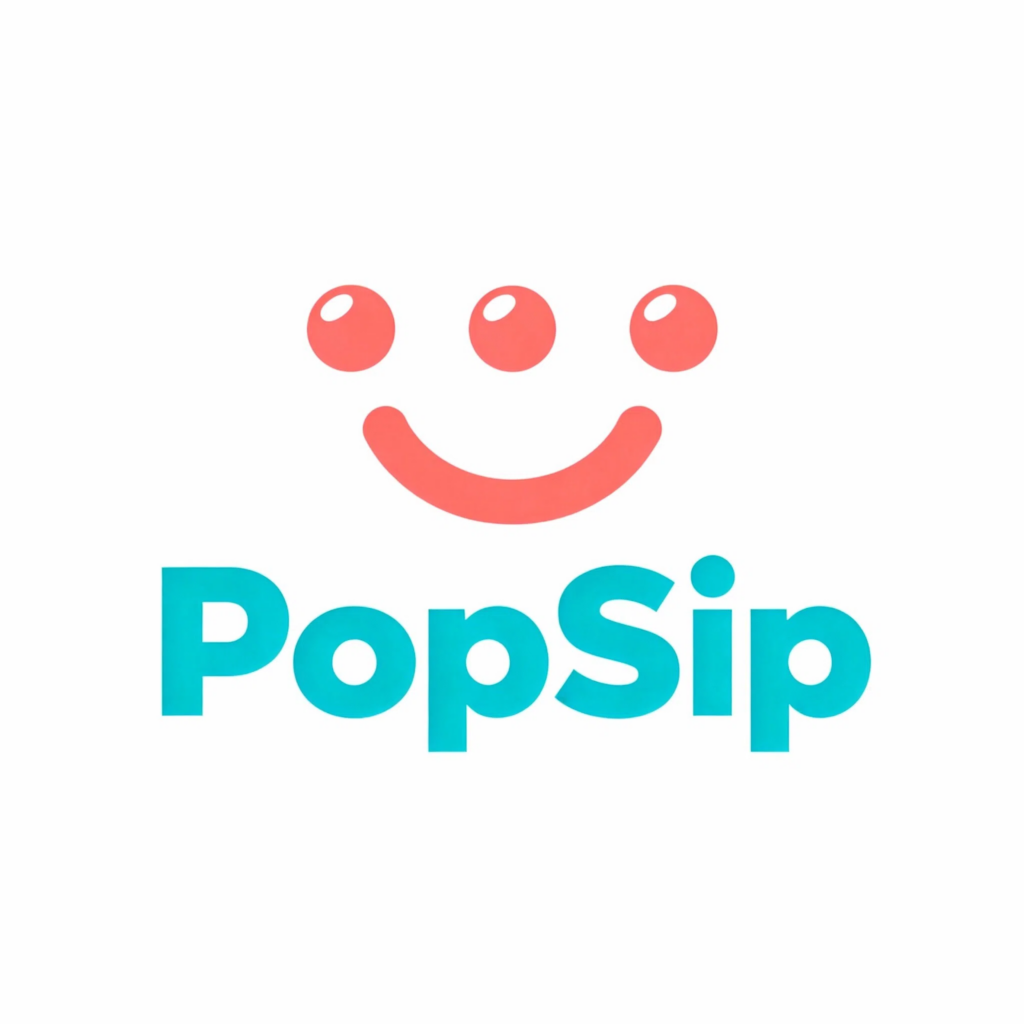
Once the final design and branding match your vision, download them in the available formats. X-Design provides clean PNG files for everyday use and additional file types depending on your plan. The exported files are ready for websites, social platforms, packaging, and other visual needs. If you need to improve the image quality further, X-Design comes with many other editing options such as HD image converter, image enhancer, image color changer, image resizer and more.
When combined with the AI-generated logo, you can build consistent layouts that look professional across platforms.
Who Should Use the AI Logo Generator?
This method works well for:
- Brands seeking originality: If you want something beyond templates, the prompt-driven approach is ideal.
- Founders who know their brand personality: It helps translate vision into design, even without technical experience.
- Teams needing multiple branding directions: Testing variations is quick and cost-effective.
- Creators building personal brands: Minimalist or stylistic marks can be generated easily for merch or channel identity.
- Businesses preparing seasonal or campaign-based logos: Temporary sub-brands or event themes can be created faster than working with manual design.
This AI-based process enables speed and experimentation — critical advantages in modern branding.
Pricing Structure and Value
Let’s take a detailed overview of the pricing structure of X-design’s AI logo generator –
| Plan | Price | What You Get | Best For |
| Free Tier | $0 | Basic AI logo generation Limited monthly prompts Ability to create and preview multiple concepts Low-resolution downloads for testing | Users exploring the tool, testing prompts, or reviewing early ideas. |
| Pro Plan | $9.99/month | Unlimited AI generation prompts High-resolution downloads (PNG, SVG, PDF) Full brand kit with all logo variations Commercial usage rights Advanced tools like sketch-to-logo and iterative refinement | Businesses that need ready-to-use logo files and ongoing design creation. |
| Annual Plan | $49.99/year | All Pro features Long-term savings compared to monthly plan (about 58% off) | Brands planning continuous design work and regular marketing material updates. |
| Credit System | — | Generative features like logo creation use credits Editing and downloads do not consume credits Pro plans include enough credits for normal monthly usage | Users who rely on frequent logo generation or advanced AI tasks. |
Pros and Practical Notes
Above pricing, let’s consider the major advantages and some other measures to be remembered while generating logos –
Benefits:
- Faster direction testing
- High variation in each generation
- Works well for new brands exploring identity concepts
- Quick refinement through simple wording
- Connected to the rest of X-Design’s branding tools
Considerations:
- Prompts require clarity
- Very complex artistic ideas may need several rounds
- Manual edits may still be needed for final polish
The workflow remains simple and accessible, even for non-designers.
With the right prompt style, you can get a clean and professional visual identity in a short time.
Verdict
X-design’s AI logo generator provides a logo with ease – which was traditionally considered as a complex and costly process. By understanding simple language and ideas and transforming them into a polished visual logos – removing the gap between imagining and executing.
The real benefit is the flexibility it provides – allowing users to experiment and choose between the best results.
The tool is perfect for startups, freelancers, and also for the growth of brands that require a fast output, consistent visuals, and an easy way to a complete brand kit. Click here to get started!
Ans: No, you just need to describe what you are thinking, AI will handle the designing part.
Ans: Yes, you can customize it according to the design you want – like colours, shapes and spacing.
Ans: Yes, from a single idea or prompt, the tools can generate many distinct designs.