Artlist, Runway, and Pika: Which AI Video Generator Gives Creators More Control After the Prompt

Typing a prompt and attaining an output is the easy part. What actually separates a genuinely useful AI video generator from a generic one is everything that happens after the first result is displayed, when the motion needs to be refined, and when a creator walks away with something that can be published.
Artlist, Runway, and Pika take three different paths, and understanding such differences is far more important than any benchmark clip.
For creators deciding where to invest their time and budget, the comparison is all about control, workflow, and what you can legally do with the footage once it’s created.
Three Tools, Three Philosophies
Runway built its reputation as a creative motion lab, a platform where visual artists and filmmakers push the limits of what generated video can look like. Its strength is expressive, stylized output and a deep editing platform that rewards experimentation. Pika took the opposite tack, optimizing for speed and social-first content, turning prompts into short, shareable clips created to feed the endless appetite of Reels, Shorts, and TikTok. Artlist occupies a third position entirely, treating video generation as one piece of a complete creative toolkit rather than the whole product.
These philosophies shape everything downstream. A tool built for artistic exploration behaves differently from one built for rapid social output, which in turn acts differently from one built to carry a project from idea to finished, scored video. None of these approaches is wrong, but they suit very different creators, and the “best” choice depends entirely on what you plan to accomplish after the prompt returns its first result.
Control After the Prompt is Where They Diverge
The moment a first clip appears, most creators immediately want to alter something, and this is where the three platforms separate most clearly. Runway offers the most detailed hands-on control, with tools for adjusting motion, masking elements, and layering edits, which is powerful but carries a learning curve that can slow down anyone who just needs a quick result. Pika trades that depth for immediacy, providing you fast iterations and trendy motion templates but less fine adjustment once the clip is generated.
Artlist’s approach to control is less about micro-editing a single clip and more about steering the whole production. Its AI text to video generator is designed to move smoothly from a written idea to finished footage, and because it integrates directly to the platform’s other creative tools, refining a project often means adding in different music, adjusting the pacing against a soundtrack, or pulling from a licensed footage library rather than wrestling with a single generation. For creators who think in terms of finished creations rather than individual clips, that kind of control frequently proves more practical than frame-level editing.
The Sound Problem Nobody Mentions in the Demo
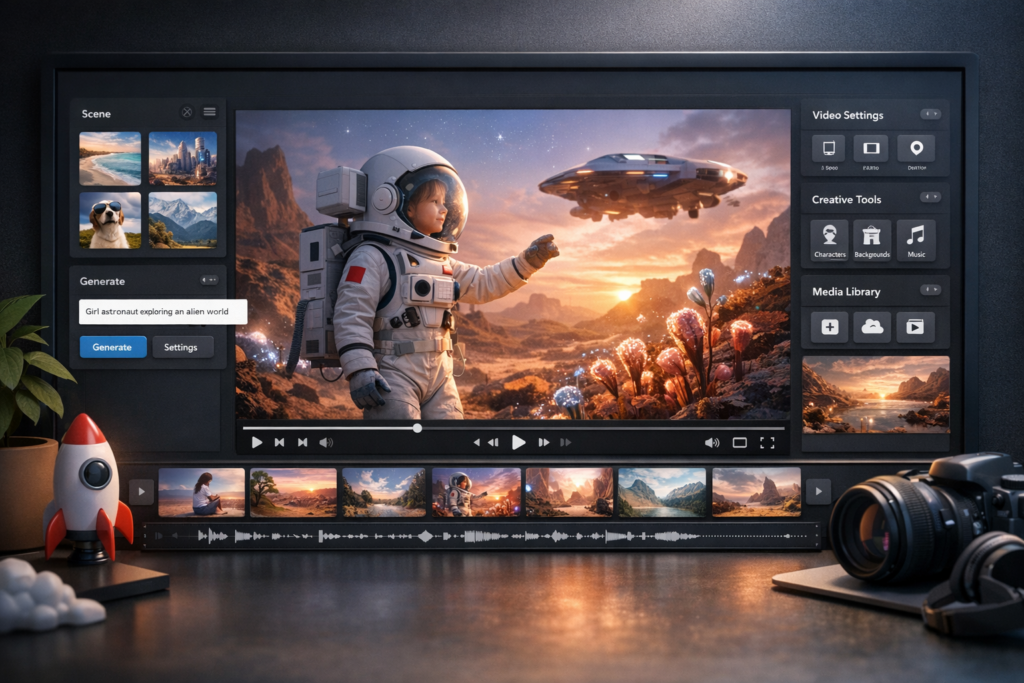
Almost every AI video demo displays silent footage, which quietly hides one of the biggest headaches in real production: audio. A generated clip without music, sound effects, or a soundtrack is only half the result, and sourcing licensed audio separately is where many creators lose hours and risk copyright trouble. Runway and Pika focus squarely on the visual generation, leaving the audio side to whatever other tools and libraries a creator can assemble on their own.
This is where Artlist’s origins give it a distinctive edge. The platform grew out of a world-class library of licensed music and sound effects, so scoring a generated video happens inside the same environment where it was developed. Instead of exporting a silent clip and hunting for a track that fits and clears legally, a creator can finish the whole piece in one place. For anyone producing video at any real volume, getting rid of that back-and-forth is not a minor convenience but a meaningful shift in how fast and cleanly a project reaches completion.
Licensing is the Detail That Costs You Later
Output quality gets all the attention, but licensing is the aspect that quietly determines whether you can actually use what you make. This is especially true for marketers, agencies, and small businesses, where a single unlicensed asset in a paid campaign can lead to real legal exposure. The terms attached to generated video and its accompanying audio vary greatly between platforms, and they are usually buried deep in the fine print where they are easy to overlook until it is too late.
Artlist has leaned into this problem as a main feature of its pitch, emphasizing clear commercial rights across both its generated video and its licensed media library. For professional and client-facing work, that clarity is a huge advantage over platforms where usage terms are more ambiguous. Runway and Pika each have their own licensing structures worth reading carefully, particularly before publishing anything in a paid placement. The lesson for creators is simple: never assume, always check the terms before a clip goes into a campaign, because the cheapest tool can become the most expensive one if the rights are not mentioned clearly.
Matching the Tool To the Creator
With three such different philosophies, the right option comes down to honestly assessing your own workflow and goals. Runway is the natural fit for visual artists and filmmakers who want maximum creative control and are willing to climb a learning curve to get it, treating video generation as an art form to be explored. Pika suits creators who thrive on social platforms and prioritize speed, churning out short, trend-ready clips faster than any polished pipeline would allow.
Artlist makes the most sense for creators, marketers, and content teams who require an all-in-one home for their work, where video generation, licensed audio, and additional creative tools live together under clear commercial terms. If your priority is finishing complete, publishable videos instead of perfecting individual clips, that integration is the deciding factor. The best approach is to match the tool to the kind of work you actually do most, rather than chasing whichever platform produced the most impressive single demo.
The Real Question Isn’t Quality, It’s What Happens Next
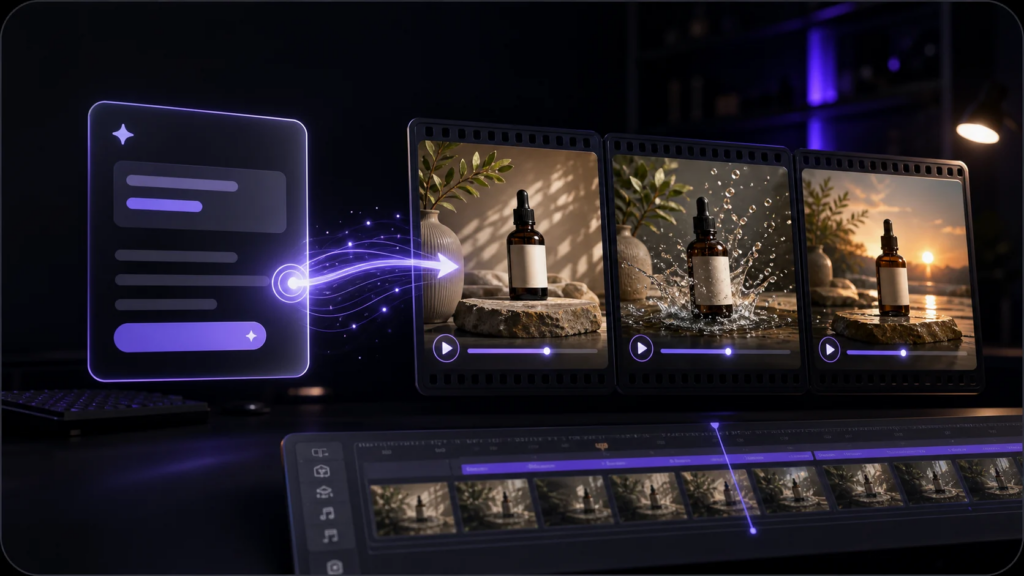
As AI video generation grows, raw output quality is rapidly becoming table stakes, with every serious platform producing impressive clips from a good prompt. The meaningful differences now live in everything that surrounds that generation: the control you have to refine it, the ease of adding sound, the clarity of the licensing, and how smoothly the whole thing fits into a real workflow. That is where Artlist, Runway, and Pika genuinely part ways.
For creators making a decision, the most useful exercise is to stop inquiring which tool makes the best three-second clip and start asking which one gets you closer to a finished, publishable, legally clear video with the least friction. Runway rewards artistic control, Pika rewards social speed, and Artlist rewards creators who want a complete, integrated production environment. Answer honestly what matters most in your own work, and the right platform becomes far easier to see.
FAQs
Ans: Runway and Pika focus squarely on the visual generation, leaving the audio side to whatever other tools and libraries a creator can assemble on their own, making the licensed audio problem a huge headache for creators.
Ans: Arlist occupies a third position entirely, treating video generation as one piece of a complete creative toolkit rather than the whole product.
Ans: Pika suits creators who thrive on social platforms and prioritize speed, churning out short, trend-ready clips faster than any polished pipeline would allow.